
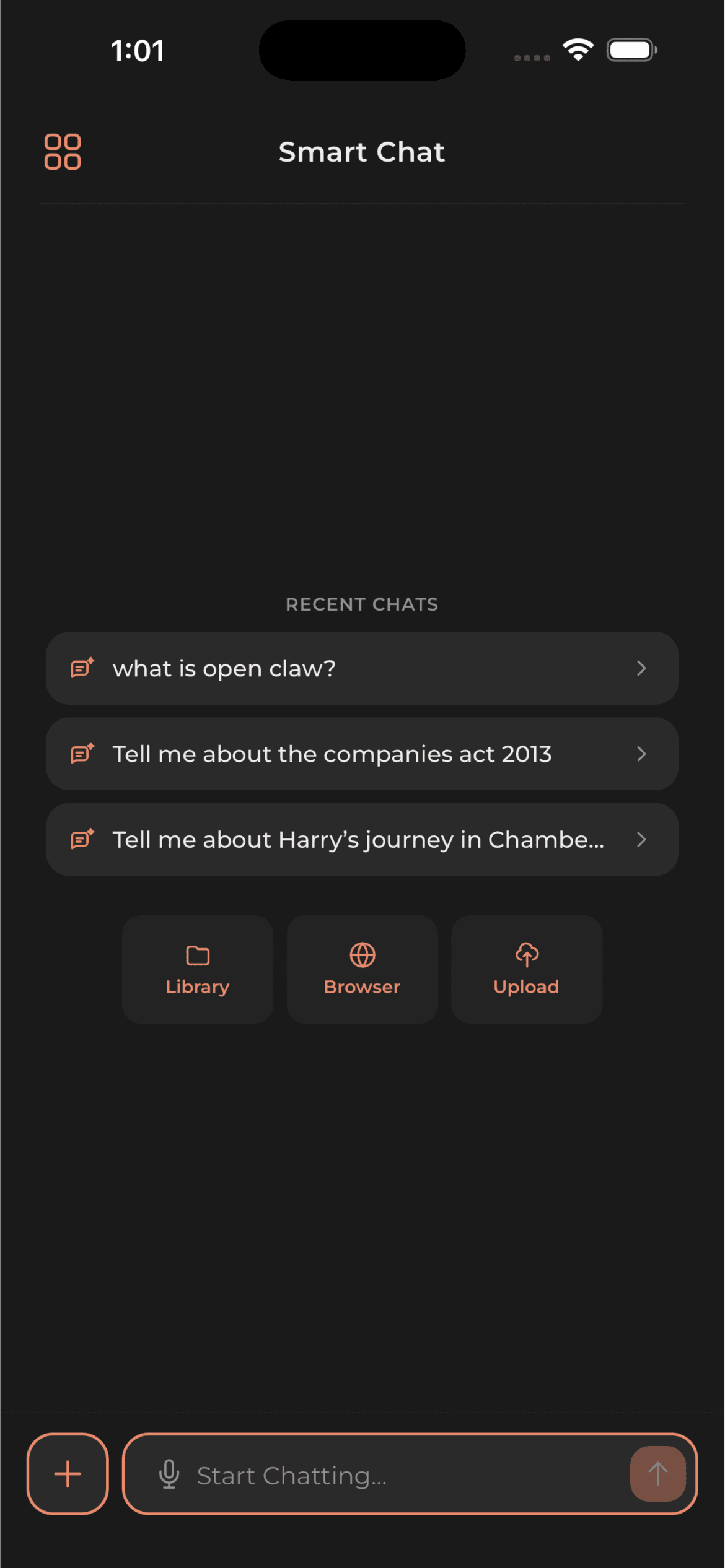
Ask questions about what you saved.
Build a Library from websites, PDFs, videos, and Drive files. Ask in Smart Chat and open the Sources attached to the answer.
One Library.
Everything worth remembering.
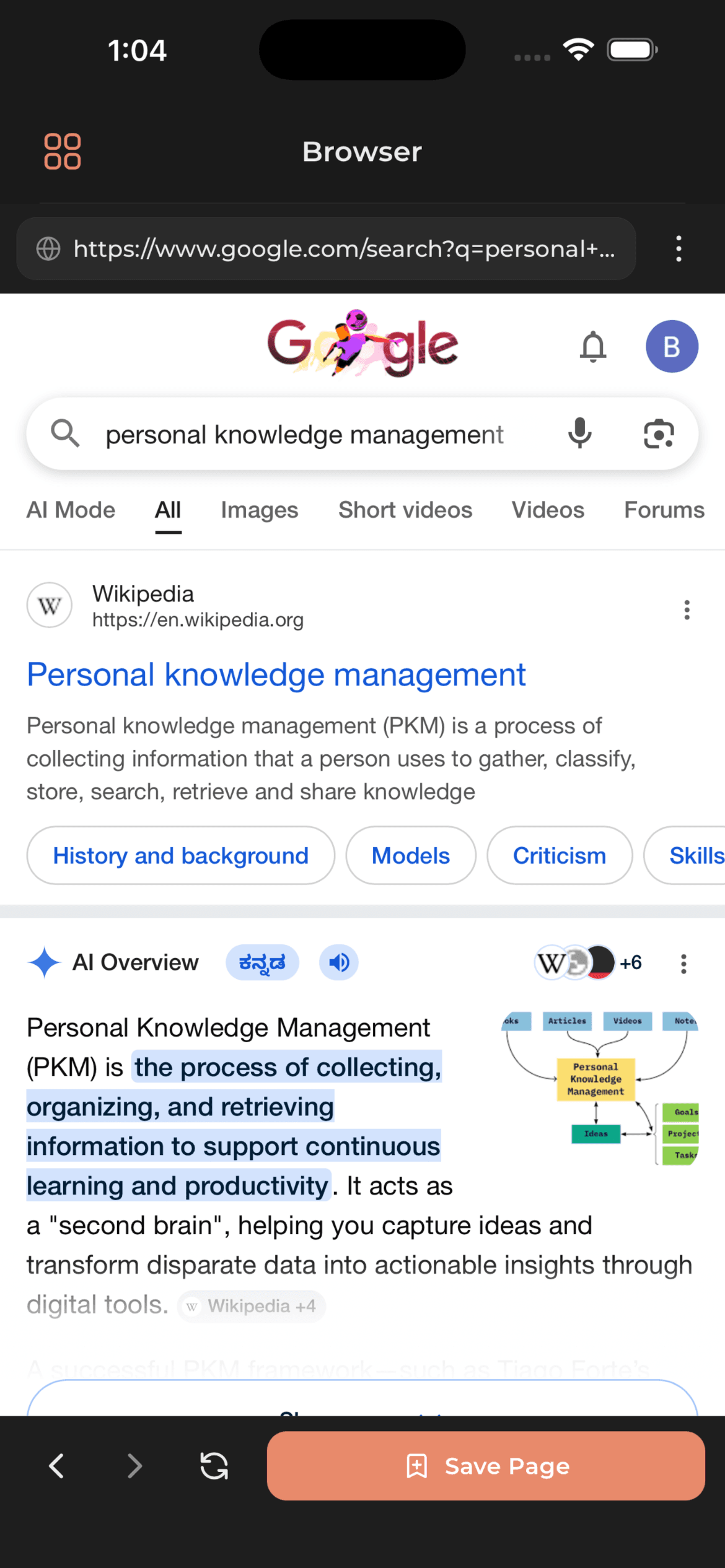
Save the pages, files, and videos you already learn from—without leaving the in-app Browser.
Good ideas arrive
in every format.
Keep the page, paper, video or file. Bookmark CE turns it into knowledge you can search and question later.
Generic AI forgets.
Your Library doesn’t.
Save useful material to your Library, organize it in Folders, and return to it from Smart Chat when you need an answer.
A clever stranger
- Doesn’t know your material
- Forgets when the chat ends
- Can invent convincing details
Your saved knowledge
- Keeps Bookmarks in your Library
- Organizes saved items in Folders
- Shows Sources with Smart Chat answers
Library to Smart Chat.
Sources included.
Save with Browser or Drive Integration, then ask Smart Chat about what is in your Library.
Build your Library
Keep websites, PDFs, videos, and documents together in Bookmarks and Folders.
Build your Library
Keep websites, PDFs, videos, and documents together in Bookmarks and Folders.
Save from Browser or Drive
Use Save Page in the Browser or bring files in with Drive Integration.
Ask in Smart Chat
Ask a question about the content already saved in your knowledge base.
Open the Sources
Use the Sources attached to an answer to return to the supporting saved item.
Every answer stays
connected to its source.
Ask about content in your Library. Smart Chat answers from that saved knowledge and includes Sources so you can return to the original item.
Save straight from the Browser.
Browse the web inside Bookmark CE and save any page into your Library in a single tap.
Small actions.
A library that compounds.
Built for people who
save before they forget.
“BookmarkCE will finally fix my habit of saving links and never finding them again. Search will work the way my brain thinks.”
 Samvardhan TripathiUndergrad Student
“I won't think in folders. I'll just save things and find them later without needing to remember where I put them.”
 Gautam GuptaCloud Engineer
“The semantic search will be the real win. I'll be able to find articles even when I barely remember what they were about.”
 Ujjwal TyagiManagement Student
Save it to your Library.
Use it in Smart Chat.
Browse, save, import from Drive, and ask questions with Sources attached.
Smart Chat
Ask questions about your Library and receive answers with attached citations.
Library
Keep saved websites, PDFs, videos, and documents in one knowledge base.
Browser
Open a page inside Bookmark CE and use Save Page to add it to your Library.
Drive Integration
Choose files from Google Drive and bring them into your saved knowledge.
Put your Library
to work in Smart Chat.
Save the item. Ask the question. Open the Source.